Contents
- 1 PhpStorm vs VS Code for PHP: The Honest Choice You Actually Have to Make
- 1.1 The real difference: intention versus flexibility
- 1.2 The productivity argument: real or just perception?
- 1.3 The honest cons of each
- 1.4 The framework intelligence game has changed
- 1.5 When AI got integrated, the playing field shifted
- 1.6 The real question: what does your team look like?
- 1.7 The migration isn't as hard as you think
- 1.8 What the data actually shows
- 1.9 The honest answer
PhpStorm vs VS Code for PHP: The Honest Choice You Actually Have to Make
You've probably spent a Friday night—or maybe three—watching developers argue about this on Twitter. PhpStorm or VS Code? Which one wins? Which one makes you faster? Which one won't make you feel like you wasted money?
Here's what I'm going to tell you: both are phenomenally good tools. The choice between them isn't about which is objectively better. It's about who you are, what your codebase looks like, and how you actually work.
Let me walk through this the way I'd explain it to a colleague over coffee.
The real difference: intention versus flexibility
VS Code feels like a Swiss Army knife that someone designed beautifully. It does everything because it can do everything, and the community has made it do almost anything you ask. You pick what you need, install the extensions, configure things your way.
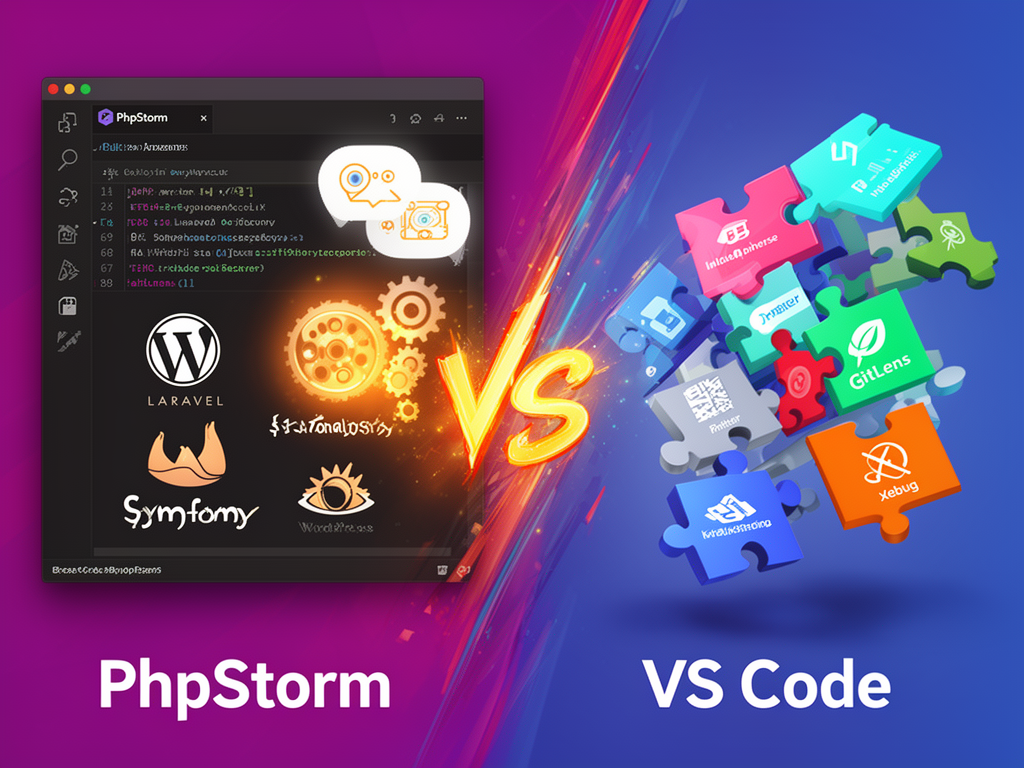
PhpStorm feels different. It was built specifically for PHP developers. Laravel, Symfony, WordPress—the IDE knows these frameworks inside out. There's no "figuring out what plugins you need." The intelligence is baked in.
This distinction matters more than marketing wants you to believe.
When you open VS Code for the first time, you're starting with a blank canvas. That's liberating. It's also a bit overwhelming if you're coming from something opinionated. By the time you've installed 20+ extensions to get VS Code doing what PhpStorm does natively—Intelephense for code completion, Prettier for formatting, GitLens for version control, Xdebug for debugging—you've assembled something powerful. But you've also assembled it yourself. You've made choices. Some of those extensions might conflict with others. You've created what we might call "plugin fatigue."
PhpStorm doesn't ask you to assemble anything. You open it. The Laravel support is there. The Git tools are there. The database client is there. The refactoring tools are unified and they work with each other because they were designed to. When you update the IDE, everything updates together. Nothing breaks unexpectedly.
The productivity argument: real or just perception?
Here's where I need to be honest with you, because I've felt both ways about this.
If you're editing a quick script—maybe a utility, maybe a one-off deployment file—VS Code's startup time and lightweight footprint feel fast. There's psychological satisfaction in that responsiveness. You feel like you're moving.
But if you're working in a large codebase—something that's been around for five years, has multiple teams touching it, uses Laravel with complex models, has custom helpers and facades scattered everywhere—PhpStorm changes how you think about navigation. It surfaces things before you even have to search for them. You don't have to remember whether that method was on the User model or the Repository class. You don't have to hunt through routes files to find where a controller is mapped. The IDE knows.
That's not just convenience. That's cognitive load reduction. And when you're six hours into a debugging session trying to find where a broken interface implementation lives in a 10-year-old codebase, PhpStorm's static analysis engine is still more reliable than trusting an LLM to find it.
The productivity difference shows up in refactoring, though. PhpStorm can refactor at the project level—rename a class everywhere it's used, safely, with full awareness of the implications. VS Code is typically working at the variable level. If you need to make sweeping changes across a large codebase, PhpStorm handles it with confidence.
The honest cons of each
VS Code's extensibility is its strength and its weakness. Yes, the community has built amazing extensions. But you're dependent on maintainers. Sometimes an extension breaks with an update. Sometimes you're not sure if you should use Extension A or Extension B because they do similar things. Sometimes you'll install something at 3 PM and not discover it's buggy until your deadline is at 5 PM.
PhpStorm, on the other hand, is heavy. It uses more RAM. It's not the tool you load up just to quickly edit something on a server—well, you could, but you're bringing a lot of machinery to a simple problem. And there's a learning curve. The feature set is deep. It can feel intimidating if you're new to it, because there are so many ways to accomplish the same thing.
There's also the price. VS Code is free. PhpStorm is a paid subscription. For freelancers or developers in early-stage startups where every dollar matters, that stings. It should sting. You're making a financial decision, not just a technical one.
The framework intelligence game has changed
By 2026, something significant happened: Laravel Idea—that legendary plugin that Laravel developers have relied on—is now fully built into PhpStorm for free. This means PhpStorm doesn't just support Laravel. It understands your Laravel project at a depth that other tools can't match. Instant navigation from routes to controllers. Eloquent model completion. Blade component validation. WordPress developers get automatic project startup configurations. Symfony developers get full autocompletion for service containers.
This isn't a small feature. This is the IDE anticipating what you're about to type. This is the tool knowing your team's business logic because it's analyzed your codebase, your Jira tickets, and your documentation using advanced retrieval-augmented generation. It's context awareness that feels almost telepathic.
VS Code has plugins that approximate this. But they're approximations. They don't have the same integration with the framework's core assumptions.
When AI got integrated, the playing field shifted
Both tools have AI now. PhpStorm has multi-agent AI—JetBrains Junie and Claude Agent natively integrated into the core engine. VS Code plugins offer individual AI extensions. Cursor, the AI-focused code editor, has integrated AI throughout, but it's forked from VS Code's engine.
Here's the thing about AI in code editors: the quality of suggestions depends on context. PhpStorm indexes your entire project history, your team's code patterns, and your framework-specific conventions. When it suggests something, it's suggesting based on deep knowledge of your codebase, not just general programming patterns.
Cursor is excellent if you want rapid prototyping. You feed it ideas and it generates code quickly. That's genuinely useful when you're exploring concepts or starting a new feature. But PhpStorm is better at maintaining and refactoring existing code because it understands the implications of changes at a project-wide level.
The real question: what does your team look like?
If you're a solo developer or in a small team where people have different preferences—some people like lightweight editors, some like full IDEs—VS Code is the pragmatic choice. Everyone can use it. Onboarding is fast. Configuration is flexible.
If you're building with a team that's entirely committed to PHP, or you're working in a legacy codebase that needs careful navigation and refactoring, PhpStorm justifies its cost. The unified experience, the native integrations, the reliability—these things compound over time.
If you're doing frontend work alongside your PHP (React, Vue, Next.js), PhpStorm is still good, but you should know that WebStorm is faster for deep React debugging. Similarly, if you're writing Python scripts or doing DevOps work, you're "paying the polyglot penalty"—the productivity loss that happens when a developer has to use a specialized tool for a secondary language. It's not PhpStorm's fault. It's just how specificity works.
The migration isn't as hard as you think
If you've been in VS Code and you're considering PhpStorm, JetBrains made this easier. When you launch PhpStorm for the first time, it can import your VS Code settings directly. Your keybindings, your theme preferences, your other configurations—they come with you. The transition doesn't feel like starting from zero.
That said, PhpStorm has its own way of doing things. There will be a learning curve. You'll discover features you didn't know existed because the IDE surfaces them contextually. Some developers find this delightful. Others find it overwhelming initially.
What the data actually shows
User ratings tend to tell an interesting story. On platforms like TrustRadius, VS Code scores higher for small businesses, partly because of the price. PhpStorm scores higher for likelihood to recommend among users who've chosen it—they're more likely to stick with it and suggest it to others.
Enterprise teams, when they commit to PHP-focused development, tend to standardize on PhpStorm. Smaller agencies and freelancers lean toward VS Code. Neither choice is wrong. They're just different calculus.
The honest answer
I'll be direct: if you're asking this question, you probably already have a sense of which one you lean toward. VS Code feels lighter, more open, more "yours to configure." PhpStorm feels heavier, more opinionated, more "built for this exact job." Both feelings are accurate.
The practical move: try PhpStorm's trial period. Spend a week in it. Work on your actual code, not demo projects. See if the native framework support, the AI context awareness, and the unified experience feel worth the cognitive adjustment. If it does, the subscription pays for itself in reduced debugging time and faster refactoring. If it doesn't, VS Code is waiting, and it's free, and there's absolutely nothing wrong with that choice.
What matters most is that you're thinking about this at all. Too many developers just fall into one tool or the other and never reconsider. The fact that you're weighing these options means you're conscious of how your tools affect your work—and that consciousness, more than any IDE, is what actually makes you better.