Contents
- 1 PHP Include vs Require Explained: A developer's guide to understanding the difference that matters
- 1.1 The fundamental difference: error handling and control
- 1.2 Understanding include_once and require_once
- 1.3 When to use include: the practical cases
- 1.4 When to use require: the critical cases
- 1.5 The architecture perspective
- 1.6 Error handling and the modern approach
- 1.7 Real world scenarios
- 1.8 The performance angle
- 1.9 Common mistakes I've seen
- 1.10 Bringing it all together
- 1.11 The emotional reality
PHP Include vs Require Explained: A developer's guide to understanding the difference that matters
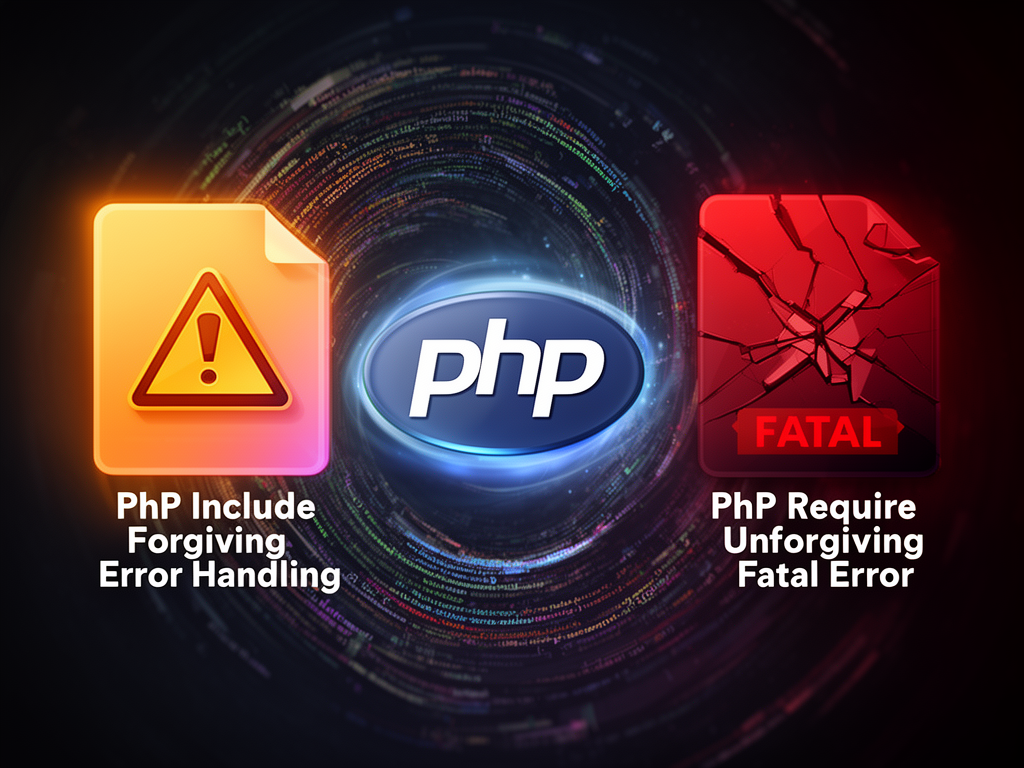
There's a moment in every PHP developer's journey when they realize that include and require are not interchangeable. It usually happens around 2 AM, when a production site goes down and you're staring at a blank page wondering why a missing file didn't stop the script from running. That's when it clicks. That's when these two seemingly similar statements reveal their true nature — one forgiving, one unforgiving. One lets you sleep at night, the other keeps you awake.
Let me tell you what I've learned about these statements over the years, and more importantly, let me help you understand not just how they work, but when and why you should use each one.
The fundamental difference: error handling and control
Let's start with the most honest answer: include and require do the same thing. They both load and execute a file. The only real difference is what happens when something goes wrong.
When PHP encounters an include statement and the file doesn't exist, it issues a warning — a E_WARNING error level. The script keeps running. It continues on like nothing terrible happened. It's like your friend saying "Hey, I couldn't find that book you lent me," and then just moving on to talk about dinner plans.
When PHP encounters a require statement and the file doesn't exist, it issues a fatal error — an E_COMPILE_ERROR. The script stops. Everything halts. No output, no continuation. It's like your friend saying "I couldn't find that book you lent me" and then immediately walking out the door and never coming back.
Here's the practical reality:
// Using include - the script continues if file is missing
include 'config.php';
echo "Hello, world!"; // This will print even if config.php doesn't exist
// Using require - the script stops if file is missing
require 'config.php';
echo "Hello, world!"; // This will NOT print if config.php doesn't exist
I remember debugging this issue in a legacy codebase where someone had used include to load a critical database configuration file. When a developer accidentally deleted that file during a refactor, the application didn't break visibly — it just silently used whatever defaults were hardcoded elsewhere, which were wrong. The database queries started failing in subtle ways, returning incorrect data. It took us three days to trace the problem back to the missing file. Three days because the error wasn't loud enough.
Understanding include_once and require_once
Now things get slightly more interesting. PHP also gives us include_once and require_once. These do exactly what their names suggest — they include or require a file, but only if it hasn't already been included in the current request.
This matters when you're dealing with complex applications where multiple files might be trying to load the same dependency.
// First file includes users.php
include 'users.php';

// Second file also includes users.php
include 'users.php';
// The code from users.php runs again!
// This could cause issues if users.php defines functions, constants, or classes.
Using include_once prevents this problem:
// First file includes users.php
include_once 'users.php';

// Second file also includes users.php
include_once 'users.php';
// The code from users.php runs only once.
I've seen developers argue about whether _once versions are good practice or lazy code. The truth is more nuanced. If you're building a well-structured application where dependencies are clear and file inclusion is intentional, you might not need them. But if you're working in a large codebase with many interconnected files, or if you're using files that contain class definitions or function declarations (which can't be declared twice), _once becomes your friend.
When to use include: the practical cases
Use include when loading a file that your application can gracefully handle being missing. This is rare, but it happens.
Maybe you're loading a theme file, and you want to fall back to a default if the custom theme doesn't exist. Maybe you're loading optional feature files that some installations have and others don't. Maybe you're pulling in a configuration override file that doesn't always exist.
// Loading an optional theme file
include 'themes/custom-theme.php';
// If it doesn't exist, the default theme behavior continues

// Loading an optional configuration override
include 'config-local.php';
// Development environments might have this file, production might not
The key word here is optional. The application's core functionality isn't dependent on this file existing. The script can continue meaningfully without it.
I've used include for things like loading analytics tracking code, optional feature flags, or environment-specific overrides. In these cases, if the file is missing, the application still works — it just loses that feature. That's acceptable.
When to use require: the critical cases
Use require when loading a file that your application absolutely cannot function without. This should be the majority of your file inclusions in a well-designed application.
// Loading your database connection
require 'database.php';

// Loading your authentication system
require 'auth.php';

// Loading core helper functions
require 'helpers.php';

// Starting your session
require 'session-start.php';
If any of these files is missing, the application is broken. There's no graceful degradation. There's no "run anyway" option. Your database connector must exist. Your authentication system must exist. Without them, nothing works.
I remember a conversation with a junior developer who asked me why I was using require for a database file instead of include. I asked him to imagine what would happen if that file went missing. He thought about it for a moment and said, "The database queries would fail." I said, "No, worse — the application would silently start running without a database connection, and everything would fail silently or with confusing errors hours later. With require, it fails immediately and loudly at the top of the request."
That's the principle: fail fast, fail loud, fail early. When something is critical, make it impossible to miss.
The architecture perspective
There's a bigger picture here, beyond just syntax. The choice between include and require reflects your architectural decisions.
A well-designed PHP application should have very few include statements. Most file loading should be done through autoloading (using Composer and PSR-4 standards), which is modern best practice. But legacy applications and smaller projects often still use explicit file inclusion.
When you're designing which files are critical and which are optional, you're essentially deciding what the core of your application is. Your core files — the ones that implement critical functionality — should use require. Everything else should be carefully considered.
Think of it as a dependency graph. At the root of your application are critical files that everything depends on. These should use require. As you move outward to more specialized files, you might find optional components where include makes sense.
// root application file
require 'config.php';           // Critical
require 'database.php';         // Critical
require 'bootstrap.php';        // Critical

// in bootstrap.php, maybe:
include_once 'cache.php';       // Optional feature, loaded once if needed
include 'tracking.php';         // Optional tracking, might not exist
Error handling and the modern approach
Here's something that complicates this picture: PHP's error handling has evolved. In modern PHP, you can configure how errors are handled using set_error_handler() or by configuring error reporting levels.
In some applications, warnings from include failures might be caught and logged instead of silently ignored. In others, they might be silently suppressed using the error control operator @. This complicates the simple "include lets errors pass silently" narrative.
// Suppress the warning if file doesn't exist
@include 'optional-file.php';

// Custom error handling
set_error_handler(function($errno, $errstr) {
    if ($errno === E_WARNING && strpos($errstr, 'include') !== false) {
        // Handle missing includes specially
        log_error($errstr);
    }
});
But here's my honest take: if you're relying on this kind of error suppression or custom handling to distinguish between include and require, you're working harder than you need to. Just use require for critical files and structure your application so you don't have optional critical files.
Real world scenarios
Let me paint some real situations I've encountered:
Scenario 1: The configuration file
You have a config.php file that sets up your database connection string, API keys, and other environment variables. This file is absolutely critical. Your application cannot run without it. Use require. In fact, use it at the very top of your entry point. Fail immediately if it's missing.
<?php
// index.php - your application entry point
require 'config.php';
// If we get past this line, config exists
Scenario 2: The legacy override system
You have a config.php with default values, and you want to allow installations to override settings with a config-local.php file that's not under version control. This override file is optional — production might not have it. Use include_once here, after your required config file.
<?php
require 'config.php';           // Must exist
include_once 'config-local.php'; // Might exist, might not
// Both get processed, local overrides defaults if it exists
Scenario 3: The feature toggle system
You have feature-specific code in separate files that are loaded based on configuration. These features might not be active in all installations. Use include_once here, because if the feature is enabled, you want to load it, but you want to be sure it loads only once.
<?php
if (config('features.analytics')) {
    include_once 'features/analytics.php';
}
if (config('features.backup')) {
    include_once 'features/backup.php';
}
Scenario 4: The helper function file
You have a helpers.php file with utility functions that many parts of your application use. Multiple files might try to include it. The functions can't be declared twice. Use require_once here — it's critical but must be included only once.
<?php
require_once 'helpers.php';
// Now helper functions are available
// Even if this file includes helpers.php again, the functions won't redeclare
The performance angle
I should mention performance, though it's often overstated. Using include versus require has negligible performance differences. The real performance impact comes from file I/O — finding and reading files from disk — and from the code being included, not from the statement itself.
That said, using _once variants does have a tiny performance cost because PHP needs to check if the file has already been included. For files that might be included hundreds of times in a single request, this could theoretically add up. But in practice, with modern PHP and opcode caching, this is measured in microseconds and isn't worth optimizing for unless you're profiling and identifying this as an actual bottleneck.
The bigger performance win is using Composer autoloading instead of manual file inclusion, but that's a conversation about architecture rather than performance.
Common mistakes I've seen
Mistake 1: Using include for everything
I've worked in codebases where every file was included with include, treating require as unnecessary. This led to silent failures that were incredibly hard to debug. When a dependency file was deleted or moved, the code would fail at unpredictable points rather than at the source of the problem.
Mistake 2: Using require for truly optional files
I've also seen the opposite — developers using require for optional features, causing the application to crash when a feature file was disabled or missing. This is too rigid and doesn't match the intent.
Mistake 3: Forgetting about autoloading
Many modern PHP developers don't think about include and require at all anymore because they're using Composer and PSR-4 autoloading. This is the right approach for new code. But if you're maintaining legacy code or working with a simple application, understanding include versus require still matters.
Mistake 4: Not thinking about where inclusions happen
I've seen includes scattered throughout code in inconsistent ways — sometimes at the top of files, sometimes in the middle of conditional blocks, sometimes even in loops. Best practice is to include files at the top of your entry point or in a dedicated bootstrap/autoload file. This makes dependencies clear.
Bringing it all together
Here's the simplest mental model I've found that actually works:
- Use
requirefor files your application needs to function. Fail fast if they're missing. - Use
includeonly for truly optional files where missing them is acceptable. (You'll find these are rare.) - Use
require_oncewhen a file defines things that can't be redeclared (functions, classes, constants). - Use
include_oncefor optional files that might be included multiple times. - Use Composer autoloading for new applications instead of any of the above.
The principle underneath all of this is intentionality. Every time you choose to include a file, ask yourself: "What happens if this file is missing?" If the honest answer is "the application breaks," use require. If the honest answer is "the application works but loses a feature," use include. If the honest answer is unclear, you probably have an architectural problem to solve first.
The emotional reality
I want to be honest about something that technical documentation doesn't usually mention. The reason this distinction matters so much isn't just about being technically correct. It matters because when you're on call at 3 AM and your application is behaving strangely, you want errors to be as loud as possible. You want failures to announce themselves clearly. You want to fix the problem at its source, not chase mysterious symptoms through layers of code.
Require is a form of defensive coding. It's saying to future developers (including yourself) that this dependency is non-negotiable. Include is more permissive, but that permissiveness can mask problems.
The choice between them is partly about how you think about your code's reliability. Do you want your dependencies to be strict and unforgiving, or flexible and tolerant? Most of the time, strict and unforgiving is better. It makes your code less forgiving to mistakes, but more honest about what it needs to function.
I've found that the best PHP applications — the ones that are pleasant to maintain and debug — tend to be very strict about their dependencies. They use require liberally. They fail fast. They make assumptions explicit. And when something goes wrong, there's no ambiguity about what broke or why.
That philosophy, more than the technical difference between the statements, is what separates applications that are easy to work with from those that aren't.